

- Click on Order Number
In the given order page list, click on the Order Number of any unfulfilled order.
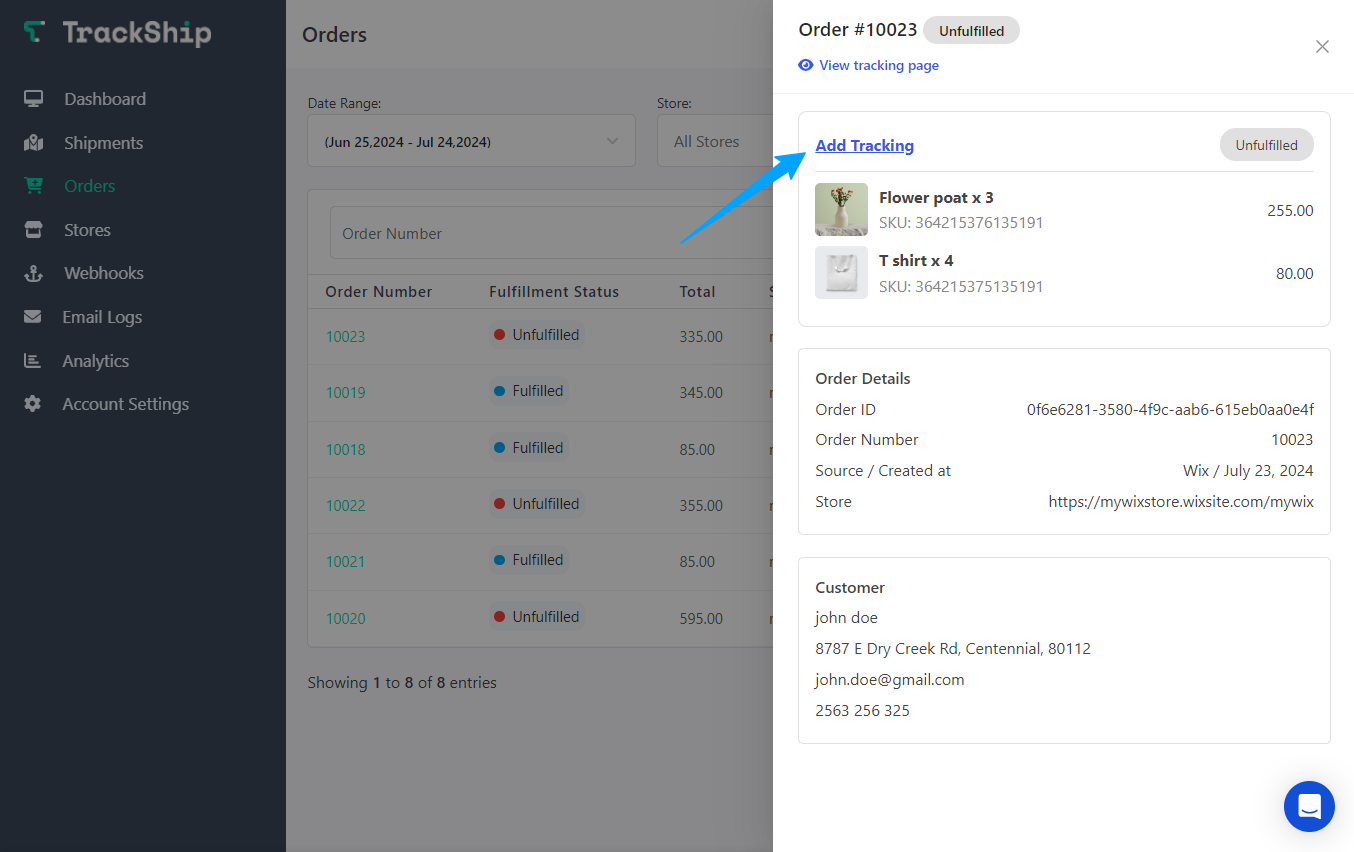
A side drawer will open, providing you with the details of your order. - Add Tracking Number
Click on the “Add Tracking” button. This will display the item list of unfulfilled order items.
- Choose Quantity and Add Tracking Number
Select the quantity you want to fulfill and enter the tracking number. The shipping carrier will be automatically selected based on your tracking number. - Finalize
Press the “Fulfill Items” button. Your order will now successfully have the tracking number added for the selected items.
